Clearly I’m not writing much…

Clearly I’m not writing as much as I had intentions of doing. No matter, I’ll just have to pick myself up by the collar, shake myself and get to writing now and again.

The intentions was, that once the printer was up and running, I would have some running posts about what was being printed, and the files needed for the print. I’m not all that good at documenting my progress, so while I’ve been printing, I haven’t really established a format for these posts or how I’m going to put up the files that are needed to print.

I guess I’ll just have to get on with it sometime.

In the meantime, Prusa Research has started sending out their multi material upgrade kit. I haven’t been notified of shipping yet, but I’m looking forward to that. I’m also considering the Mk2s upgrade

I’ll just have to see if I want that Mk2s upgrade enough to go for it. Long lead time and expensive shipping, as I can’t get it bundled with my MM upgrade.
It’s on it’s way

Finally got confirmation. My new 3D printer is working it’s way from the Czech Republic. It should arrive sometime next week.

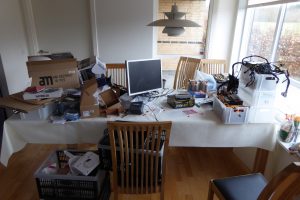
Before it arrives, I do have a bit of a challenge on my hands. As it is a kit version of the printer, I need to get some space freed up to assemble the thing. The problem is, that this is where I’m going to assemble it:

Mess on the dining table

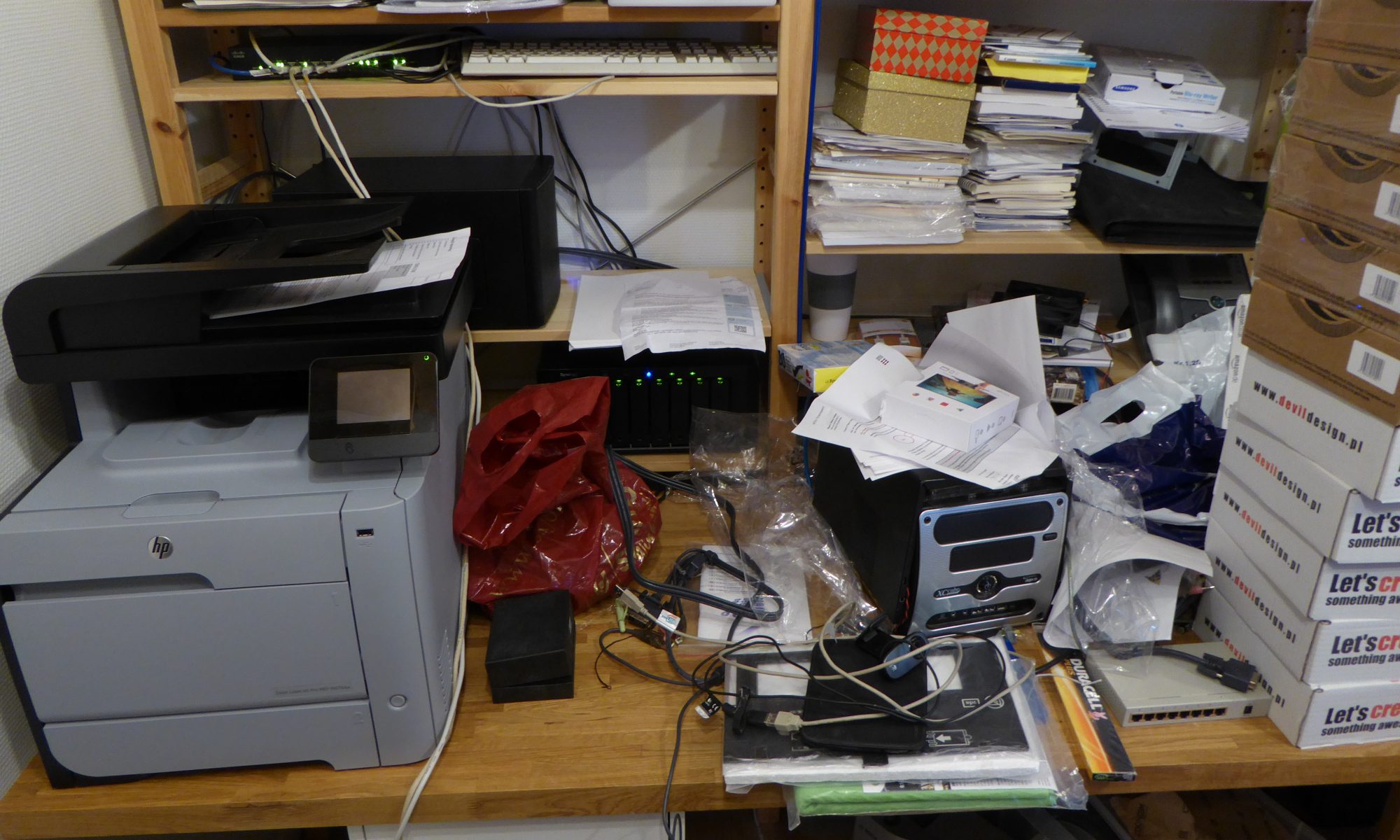
and this is where it’s going to placed, once it’s finished:

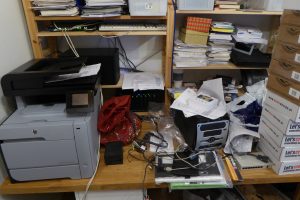
Mess in the office

Clearly, some much needed cleanup is in order…

Getting ready for a 3D printer

I’ve ordered a 3D printer some time ago, and now the time for its arrival is getting nearer and nearer. They might even ship it in the next week or four.

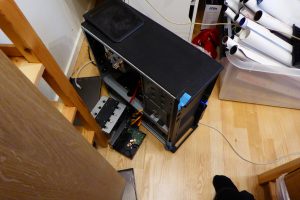
To the the space for the printer, some cleanup is needed. Specifically, I need to replace this:Tyleet ready to be taken down

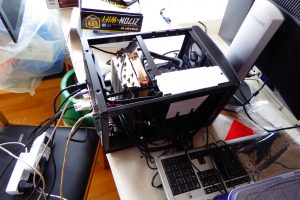
With this:

New Leetah being installed

I know. It doesn’t look like much of an improvement, but considering that the first one is a Core2 3.0GHz from 8 years ago, and the new one is an I7-6700K from a few months ago, the difference is huge. The footprint of the case will be a lot less, and due to the fans in the old system being as old as they are, the noise level will be considerably less. I do actually intend closing it up once I’ve finished the basic installation and checked that things are working.

What is it:

  • Motherboard: GigaByte Z170 Mini ITX board
  • CPU: Core I7-6700K
  • Ram: 32GB
  • HDD1: M2 NVME 250GB
  • HDD2: 3TB WD Green
  • PSU: Seagate Fanless 520W Platinum
  • OS: Debian Jessie

The one problem I’ve had so far, has been that the power draw was too low. This made the PSU switch off. The solution was to enable dummy load in the BIOS, and now it’s working without problems.

For the curious: In normal operations it’s drawing a whopping 23W. When trying to do a full load with HDD access and full processor load, it’s drawing all of 57W. Much better than the old system that was idling along at 78W and had a top load of 110W. It’s gotten so that the heater in the office now has to switch on now and again, due to the 60W less being pumped out continually.